Installing Smart Home Electrical Systems: A Complete Guide
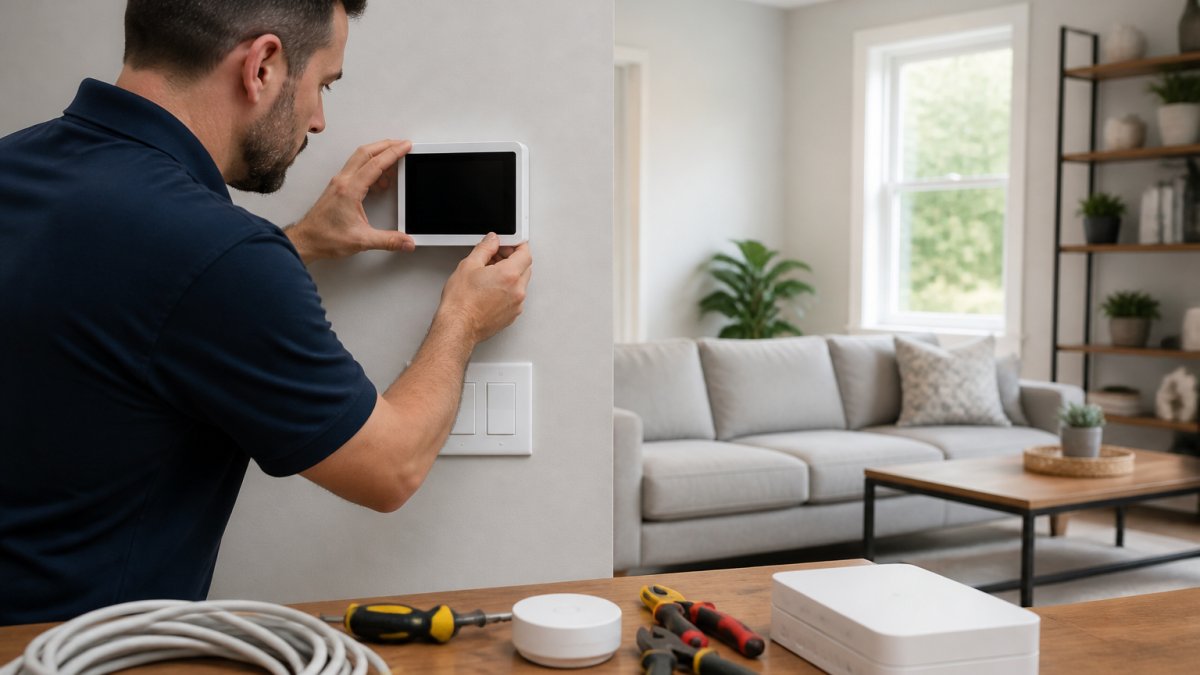
Table of Contents
- Planning Your Smart Home Electrical Infrastructure
- Understanding Smart Home Wiring Requirements
- Home Automation System Setup and Device Selection
- Smart Lighting Installation and Control Systems
- Voice Control Smart Lighting Setup and Integration
- Electrical Safety, Codes, and Permitting
- Installation Steps and System Testing
- Cybersecurity, Privacy, and System Reliability
- Frequently Asked Questions
Last Updated: October 18, 2026
Planning Your Smart Home Electrical Infrastructure
Installing smart home electrical systems starts with a realistic assessment of what your current infrastructure can support. Most homeowners underestimate the electrical demands of modern automation.
Before buying a single smart device, understand your electrical panel's capacity and whether your wiring can handle the load. This is the foundation of any smart home electrical systems installation.
Assessing Your Electrical Panel and Circuit Capacity
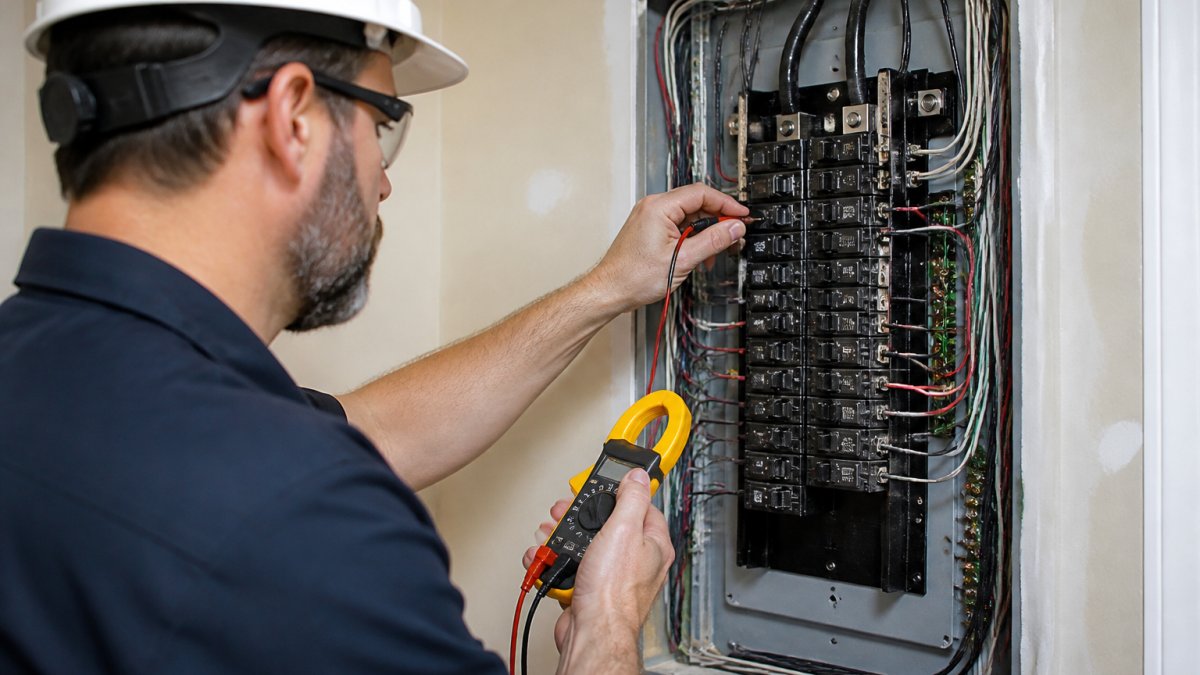
Your electrical panel controls how much electricity flows to different circuits throughout your house. Most homes built before 2000 have 100-amp panels; newer homes typically have 150 or 200-amp service. Smart home electrical systems add real load, especially with multiple smart switches, lighting controls, and automated shades.
Calculate your current usage before adding smart devices. A 200-amp panel with several large appliances may not have the headroom you think. Adding an EV charger or heat pump alongside smart home automation likely means a panel upgrade, so budget for it explicitly.
Choosing Between Retrofit and New Construction Approaches
Retrofit installations, adding smart home electrical systems to an existing house, face different constraints than new construction: closed walls, existing conduit, and wiring that may not suit modern automation.
New construction lets you plan the electrical backbone from scratch, running low-voltage wiring alongside power lines, installing proper conduit, and sizing your panel for future growth. Retrofit work means fishing wiring through existing walls and accepting compromises.
The retrofit approach also determines whether you use wireless protocols (Zigbee, Wi-Fi) or hardwired smart switches.
Understanding Smart Home Wiring Requirements
Smart home electrical systems rely on two parallel wiring systems: your main electrical backbone (120V or 240V power) and low-voltage control wiring. Most homeowners don't realize these are separate systems that must work together.
Electrical Backbone and Low-Voltage Wiring
Your electrical backbone is the conventional 120V power distribution system for outlets, lights, and appliances. Smart home electrical systems integrate into it through smart switches, lighting controls, and automated shades that replace or augment traditional switches.
Low-voltage wiring carries control signals, not power: Cat6 ethernet, control wiring for automation devices, and sometimes proprietary protocol wiring. It has different safety requirements and can often share conduit with power lines without interference.
When planning smart home electrical systems installation, keep low-voltage and power wiring separated where possible. Running them together is code-permitted but can introduce noise and interference.
Compatibility with Existing Home Wiring
Older homes often use two-wire circuits (hot and neutral, no ground), while modern smart home electrical systems expect three-wire circuits with proper grounding. You may need to upgrade wiring to specific locations.
Aluminum wiring, common in 1960s-70s homes, expands and contracts differently than copper, loosening connections over time.
Some older homes have shared neutrals on certain circuits, a code violation today but common in older installations. Adding smart home electrical systems to a shared-neutral circuit can cause unexpected automation behavior.
Home Automation System Setup and Device Selection
Once your electrical infrastructure is sound, you can plan your smart home electrical systems control architecture. This is where the devices, protocols, and central hub come together.
Wireless Protocols and Connectivity Options
Most smart home electrical systems use one of three wireless protocols: Wi-Fi, Zigbee, or Z-Wave.
Wi-Fi is convenient because your home already has it, and Wi-Fi switches and lighting controls connect directly to your network.
Zigbee operates at 2.4 GHz but with a different protocol. Its devices form a mesh network, relaying signals through each other to extend range, which makes Zigbee reliable for whole-home coverage without Wi-Fi congestion.
Z-Wave is similar to Zigbee but uses a different frequency band. It's less common in new smart home electrical systems installations but still widely supported.
Central Hub and Mobile App Integration
Your central hub is the brain of your smart home electrical systems, running automation logic, storing device configurations, and communicating between devices and your mobile app.
The hub you choose determines which devices you can add and what automation you get. Some hubs are cloud-dependent; others work locally even if your internet goes down.
Your mobile app is how you control everything. A good app groups devices into rooms, creates automation rules, and monitors energy usage. Before committing to a hub platform, test the app interface, you'll be using it constantly.
Smart Lighting Installation and Control Systems
Smart lighting is often the entry point to smart home electrical systems. It's visible, useful, and creates immediate value.
Smart Switches, Dimming, and Automated Shades
Smart switches replace traditional wall switches, letting you control lights from your phone, set schedules, or trigger automation based on motion or time of day.
Dimming adds complexity. Some smart switches include it; others don't. For dimmable smart home electrical systems lighting, verify both switch and bulbs support dimming, since incompatible dimming causes flickering or failure to dim smoothly.
Automated shades integrate into your smart home electrical systems through their own control wiring and need power at the window, either hardwired or battery-powered.
Voice Control Smart Lighting Setup and Integration
Voice control ties your smart home electrical systems together. Once your switches and lights are networked, you can add voice assistants like Alexa, Google Assistant, or Siri.
Voice control requires your smart devices to be compatible with your chosen platform, and not all smart switches work with all assistants, so verify before buying. Setup is straightforward: add devices to your voice assistant app, assign rooms, and create voice commands.
Voice control is most useful for devices you access frequently, lights, thermostats, and door locks. It's less useful for devices you rarely change.
Electrical Safety, Codes, and Permitting
Smart home electrical systems must meet the same electrical code as traditional wiring. This is non-negotiable, and it's where most DIY installations fail.
Building Code Compliance and Inspections
The National Electrical Code (NEC) governs electrical installations throughout the United States. Your local jurisdiction adopts and sometimes modifies the NEC.
Specific requirements vary by location. Some jurisdictions require permits for any electrical work; others allow homeowners to do certain work unpermitted. It is always recommended to get permits and inspections.
Smart switches and lighting controls must be rated for the voltage and amperage of the circuit they're installed on. A switch rated for 15 amps on a 20-amp circuit creates a fire risk.
When to Hire a Licensed Electrician
Hire a licensed electrician for any smart home electrical systems work that involves:
- Running new circuits or modifying existing circuits
- Upgrading your electrical panel
- Installing hardwired smart switches (as opposed to plug-in devices)
- Any work requiring a permit in your jurisdiction
- Troubleshooting electrical problems
DIY installation is appropriate for plug-in smart devices, battery-powered sensors, and devices that connect to existing outlets. Everything else should go to a professional. The cost difference is minimal compared to the risk of electrical fire or code violations.
Installation Steps and System Testing
Once planning is complete and your electrical infrastructure is ready, the actual installation begins.
Device Pairing, Programming, and Configuration
Device pairing is the process of connecting each smart device to your hub or network. Most devices use a pairing mode where they broadcast their presence for a limited time.
Programming involves setting up automation rules. This is where your smart home electrical systems becomes truly automated. You define triggers (motion detected, time of day, door opened) and actions (turn on light, adjust thermostat, send notification).
Configuration also includes assigning devices to rooms, naming them clearly, and organizing them in your mobile app.
Troubleshooting Common Installation Issues
Wireless connectivity problems are the most common issue. Devices that won't pair usually have weak signal. Move closer to your hub, eliminate interference from microwaves or cordless phones, or add a mesh extender.
Automation that triggers unexpectedly usually indicates a misconfigured rule. Review your trigger conditions and make sure they're specific enough.
Power issues, devices that lose connection or behave erratically, often indicate inadequate power supply to the device. Check that smart switches have proper neutral wire connections. Verify that low-voltage devices are receiving stable power.
Cybersecurity, Privacy, and System Reliability
Smart home electrical systems are connected devices, and connected devices have security implications.
Your smart home electrical systems are only as secure as the weakest connection. Use strong, unique passwords for your hub account and your Wi-Fi network.
Privacy depends on which cloud services your devices use. Some hubs operate entirely locally; others send data to cloud servers for processing or storage.
Reliability requires redundancy. If your internet goes down, can your smart home electrical systems still function locally?
Smart home electrical systems transform how you live, but only when they're installed correctly from the ground up.
Frequently Asked Questions
Which smart home electrical work should be handled by a licensed electrician?
Any work involving your main electrical panel, circuit modifications, or new dedicated circuits requires a licensed electrician to ensure code compliance and safety. This includes installing new outlets for smart devices, upgrading panel capacity, and running new wiring through walls. Smart device pairing and app setup you can handle yourself, but electrical infrastructure work must meet National Electrical Code standards and pass inspection.
Can smart switches work with existing home wiring?
Most smart switches work with existing wiring if your home has a neutral wire at the switch location, common in homes built after the 1980s. Older homes without neutral wires may need rewiring or special switch types. Smart switches also require a strong wireless signal from your central hub. Before purchasing, confirm your wiring setup with a licensed electrician to avoid compatibility problems.
How do I plan wiring and power for smart home devices?
Start by mapping each device location and calculating total power load. Ensure your electrical panel has available circuit capacity; most smart home systems draw minimal power individually but add up when combined with existing loads. Plan dedicated circuits for high-demand items like thermostats or security systems. Use low-voltage wiring for sensors and cameras, and install proper conduit for future device additions. A licensed electrician can assess your panel and recommend upgrades if needed.
How do I make smart home lighting work with voice control?
Install smart bulbs or smart switches compatible with your chosen voice platform, then connect them through your central hub to the voice service. Ensure strong Wi-Fi coverage in all areas, as voice control relies on stable connectivity. Group devices by room in your mobile app for easier voice commands. Test commands after pairing to confirm proper integration. Most systems support multiple voice assistants, so choose one that matches your existing smart home devices.
What's the difference between retrofit and new-construction smart home installation?
New construction allows you to run wiring inside walls before drywall closes, making installation cleaner and less expensive. Retrofit installations in existing homes require surface-mounted conduit or drilling through walls, which costs more and takes longer. Retrofit is still viable for most homes but may need creative routing around obstacles. Wireless devices reduce retrofit complexity, though they depend on consistent connectivity. A licensed electrician can assess your home and recommend the most practical approach.
Do I need to pull permits for smart home electrical work?
Most jurisdictions require permits for any work involving your main electrical panel, new circuits, or permanent wiring modifications. Smart device installation alone typically doesn't require permits, but adding outlets or rewiring does. Permits ensure work meets building codes and passes inspection, protecting your home's safety and resale value. Check with your local building department or hire a licensed electrician who handles permitting as part of their service.
What wireless protocols should I use for smart home devices?
Wi-Fi is easiest to set up but consumes more power and bandwidth. Zigbee and Z-Wave offer longer range and better battery life for sensors and switches, though they require a hub. Bluetooth works well for personal devices but has limited range. Most modern systems support multiple protocols, so you can mix and match. Choose based on your device count, home size, and whether you prefer a single ecosystem or flexibility to mix brands.
Need an electrician in Rutland or central Vermont?
Precision Power Services is a licensed and insured electrical contractor serving Rutland, Killington, Brandon, Castleton, and surrounding towns. Call (802) 417-0587 or book online.
← Back to blog